The property report
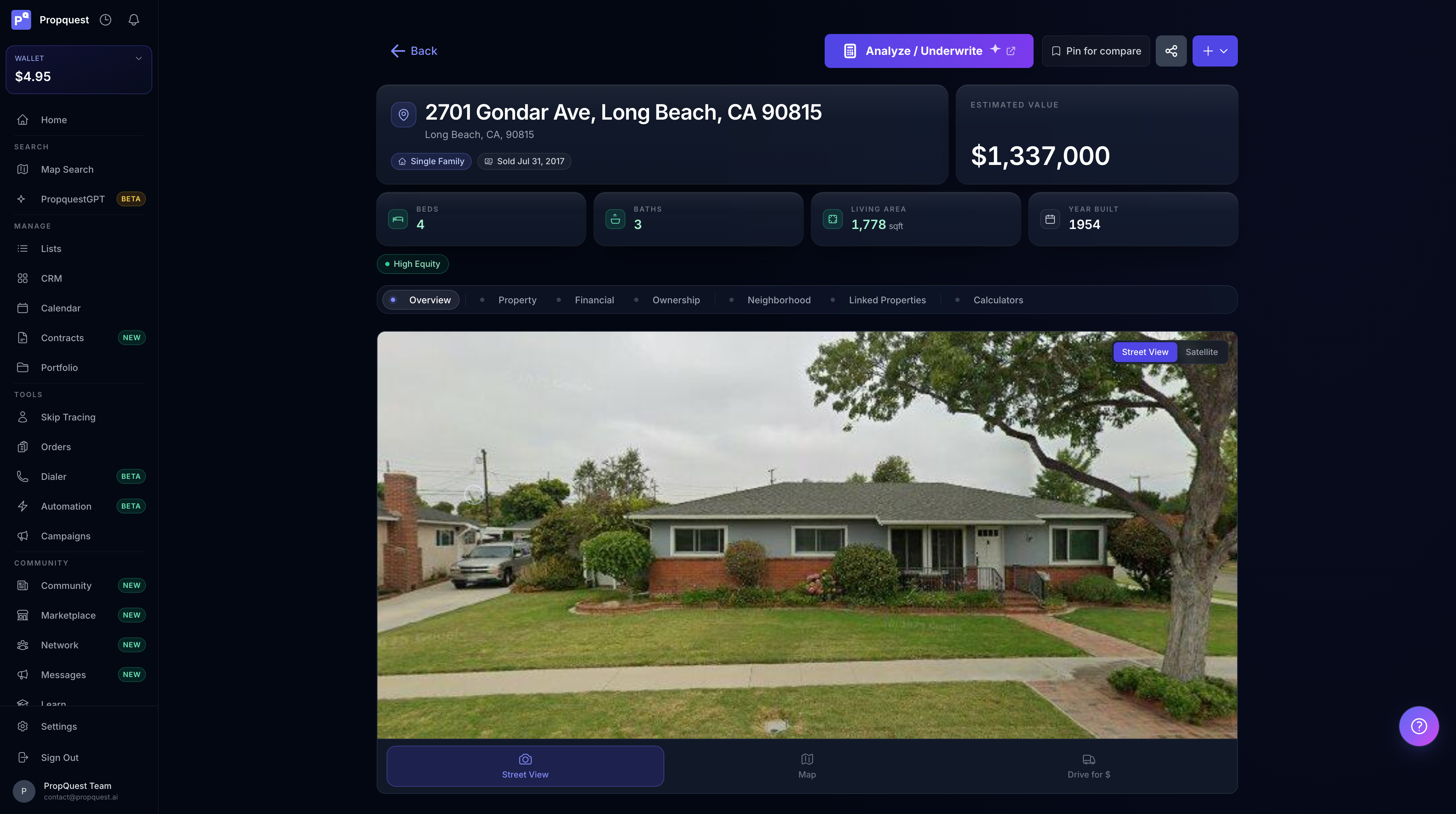
Every deal you're serious about gets a full report. Open it from any list, search result, or by pasting an address into the global search bar. The report has six sections — comps is where you'll spend the most time.
Picking comps
PropQuest seeds the comp set automatically: sold within 6 months, ±20% square footage, ≤1 mile radius, same property type. That's the starting point — refine it from there.
- Tighten the radius in dense urban grids; loosen in rural.
- Match condition — a flipped house is not a comp for a hoarder house. Use the rehab filter to bucket them.
- Drop outliers with one click. Anything more than 2 standard deviations from the median is hidden behind "show outliers".
- Pin 3-5 comps as your final set. The ARV math uses the pinned set, not all displayed.
Pinning vs unpinning
A pinned comp is in the math. An unpinned comp is just visible context. The default view shows the top 10 sorted by relevance score — you pin the ones that defend your number, unpin the rest.
Three is the floor for ARV. Five is the sweet spot. More than seven and you're laundering an opinion through a wider sample — the math gets murkier, not better.
Adjustments to apply
The adjusted-comps mode lets you nudge each comp up or down for known differences. Common ones:
- Bed/bath — ±$3-5k per bed, ±$5-8k per bath (market-dependent)
- Garage — +$8-15k if subject has one and comp doesn't
- Pool — varies wildly by climate; +$15-30k in TX/FL, near zero in OH/PA
- Lot size — only adjust for material differences (2x+); within ±30% the market doesn't care
The adjustments compute into a per-comp adjusted sold price, then median. If your adjustments swing more than 15% from raw median $/sqft, you're probably over-adjusting — re-examine.
ARV math
Two ways to read ARV:
- Median $/sqft × subject sqft — the default. Stable, conservative, fights well in court if you ever get there.
- Adjusted comps — applies bed/bath/lot/age adjustments per comp. More precise but more assumptions.
We show both. If they disagree by more than 10%, dig into which comps are pulling them apart — usually one outlier slipped through.
Defending the ARV later
When the lender or partner asks "how'd you get $245k?", the answer should fit on one screen. Hit Export comps PDF for a one-pager: the pinned set, distance to subject, sold dates, raw $/sqft, adjustments applied, the resulting median.
Save the PDF to the property's documents tab so it's there when title or the inspector requests it. We timestamp the export so there's a paper trail of what data was used at offer-time — useful if the comp set drifts (more sales close) by the time you're closing.
Maximum allowable offer
The MAO panel works backwards from ARV:
MAO = ARV × (1 - margin %) - rehab - closing costs - assignment fee
Defaults are 70% margin for flips, 75% for BRRRR, 80% for wholesale-to-flip. Change the margin and watch the offer update live. Hit Save offer to lock it into the LOI workflow.
Rehab estimate
Pull from one of three sources: your own line items (saved per market), the AI rehab analyzer (uses photos + condition tags), or a flat $/sqft assumption. Lenders generally want line items — the AI estimate is for screening, not closing.
Save your top 3-5 line-item templates per market (cosmetic / medium / heavy / gut) so future deals start from the closest template instead of from scratch. Most users build these once and reuse them for years.
Rural and mixed-use markets
Standard comp logic assumes liquid suburban SFR markets. Outside that, adjust your radius and your comp count expectations.
- Rural — loosen the radius to 5-10 miles, accept ±35% sqft tolerance, expect 2-3 comps (not 5+)
- Mixed-use / commercial — the comp engine still works but you'll want a manual income approach alongside; sales comps lag asking-rent comps by 6-12 months
- Manufactured / mobile — comp by land + structure separately; the AI rehab analyzer is unreliable on these and the lender ARV will diverge from market ARV by 10-20%
If you work the same rural market repeatedly, save your tuned comp filter (radius + sqft tolerance + price range) so every new property in that market starts from the right baseline.
Saving and re-using comp sets
Hit Save comp set at the bottom of the comps panel to attach the pinned 3-5 to the property's documents. Two pulls of the same property hours apart will both reflect the saved set, and any new viewer (partner, lender) sees what you defended.
If you're working a tight farm area, the same comps will appear across multiple properties — pin once and they're available as one-click pins on the next nearby subject from the Recent comps drawer.